

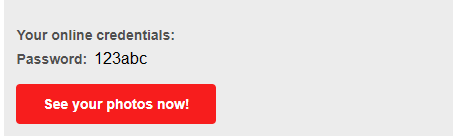
1. Below is the login information that will be emailed to you once photos of your event are ready to view online. Click on the “See your photos now” (red button) that comes in the email we send you.
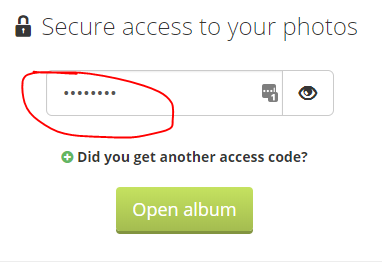
2. Enter your password in the input form and select the “Open album”.
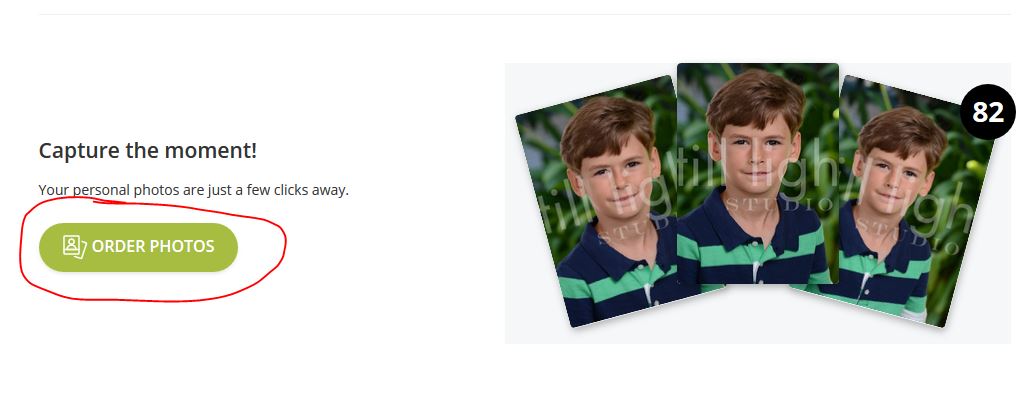
3. Once in your gallery, select “Order Photos” green button
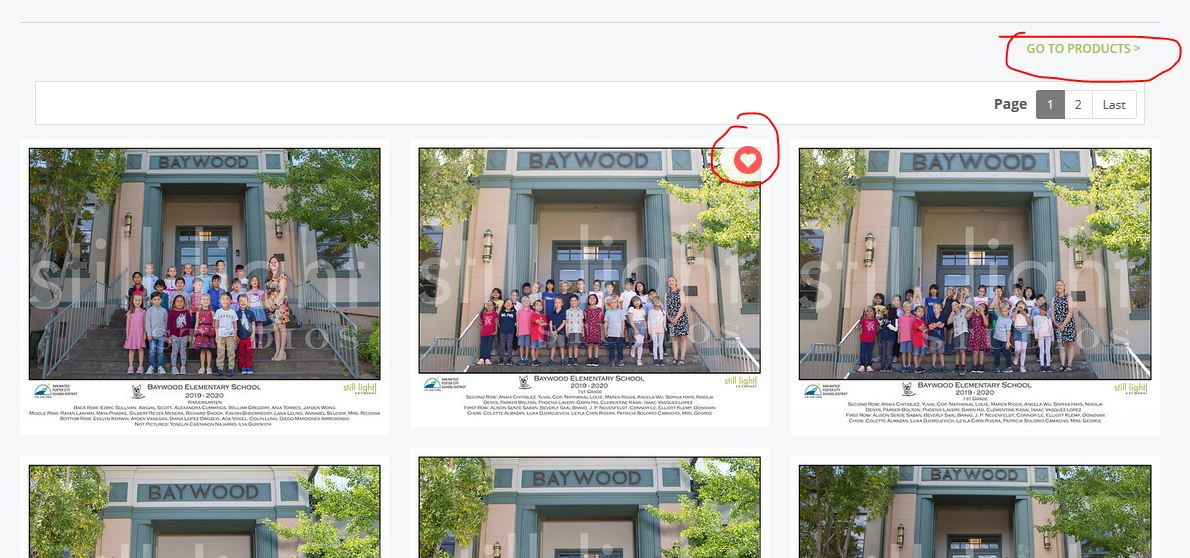
4. To help you organize and narrow down all the desirable photos, select the “heart” button on each photo you intend to order. Remember there may be multiple pages of orders. When you have hearted all relevant images (individual and/or group), you can then select the “GO TO PRODUCTS” link in the upper right to review product options to add to cart (downloads, packages or individual print orders).
5. Packages give you the best value. Select the “GO TO DEALS” if you want package options. Otherwise select print or digital download for an individual image. Notice you’ll see all photos including those hearted.
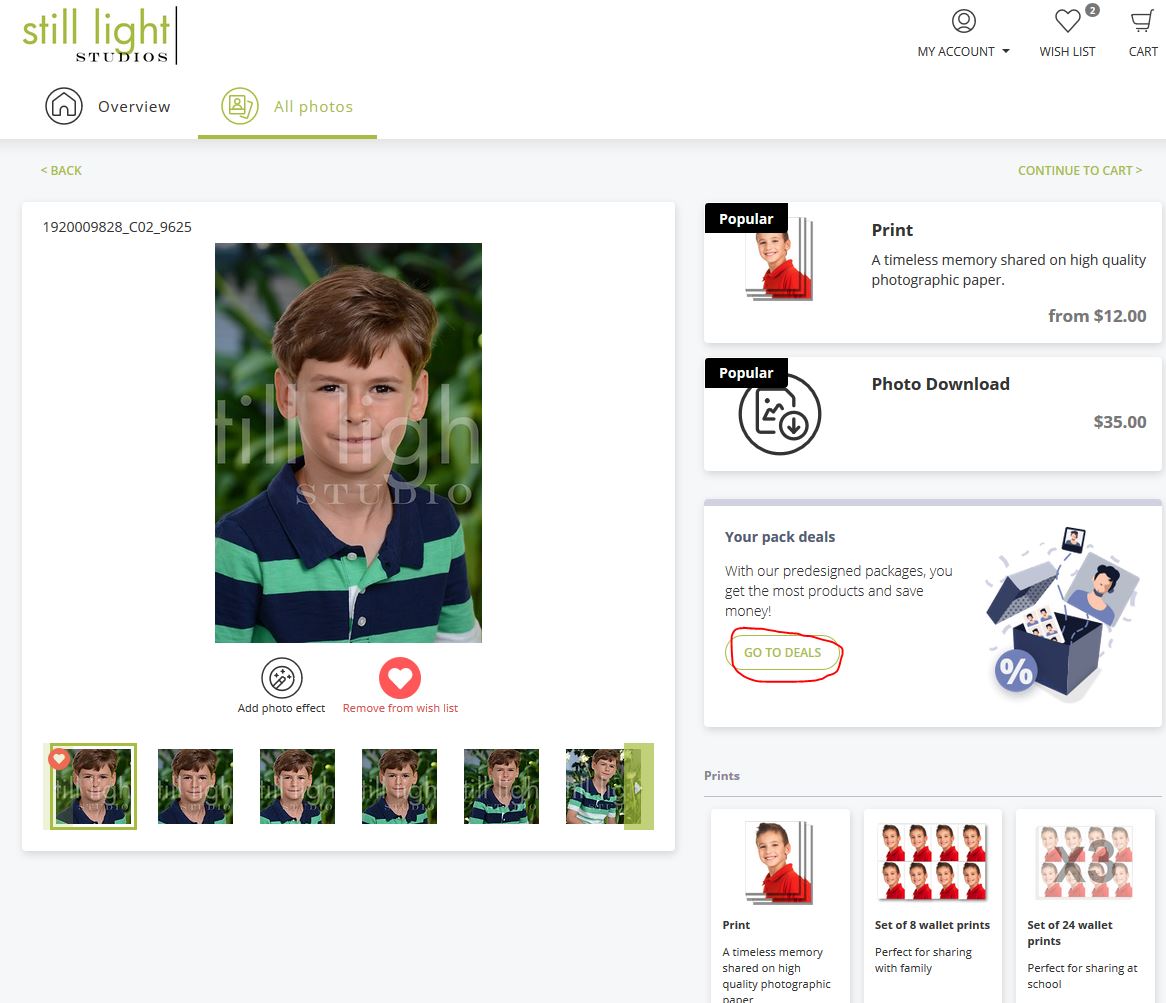
6. Once you’ve selected the “GO TO DEALS” in the previous step, you’ll be able to select the desired print or digital package.
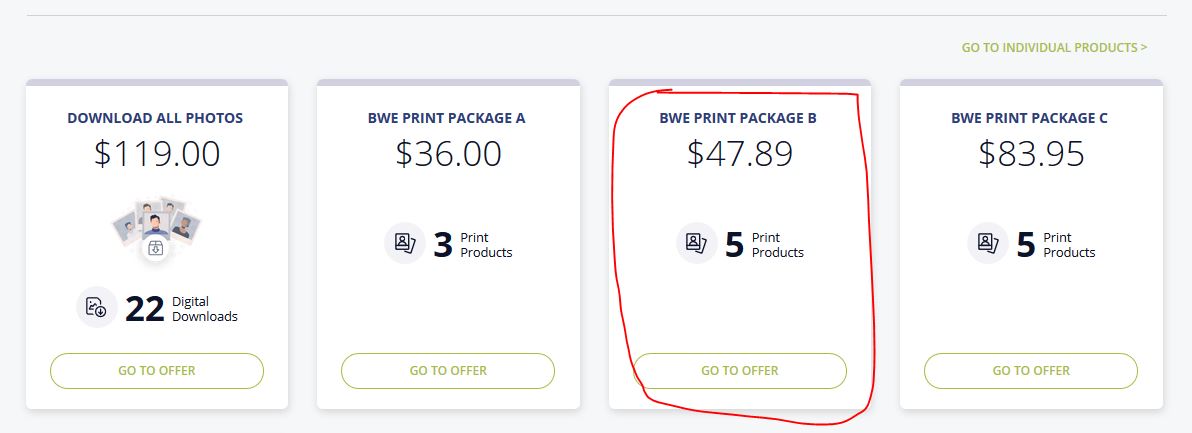
7. Select “Choose photos” green button for the desired package.
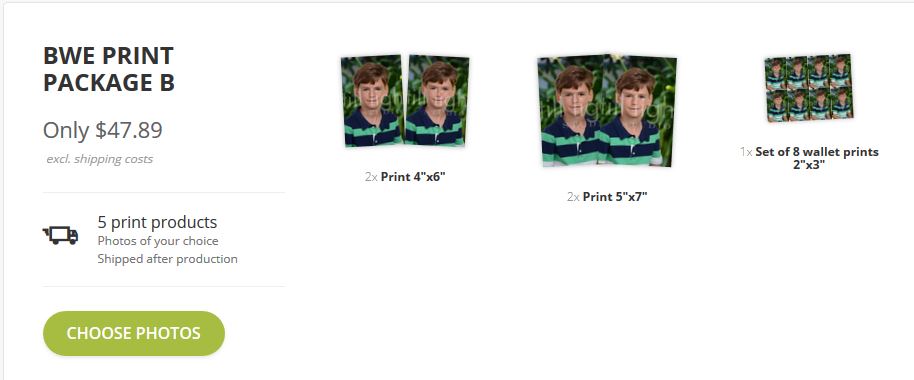
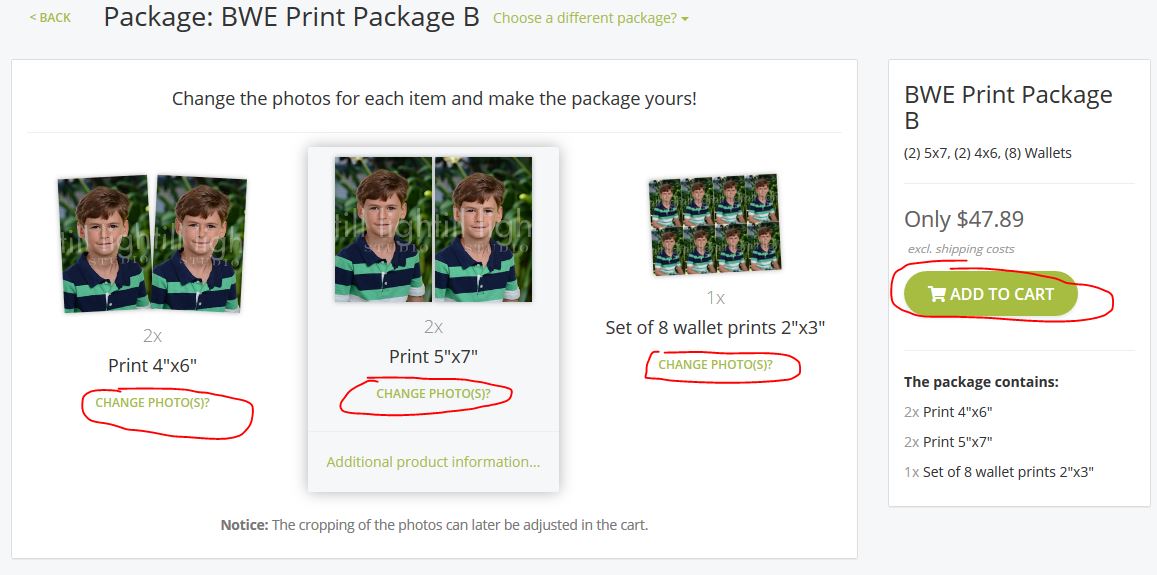
8. After selecting your package, you can also change the photos of the different print sizes in that package OR you can have one image used for all print sizes offered. But if you don’t need to change anything, you can simply select the “Add to cart” green button on the right.
Note: If you choose a package that includes a class photo, you will have to select the correct class image before checking out.
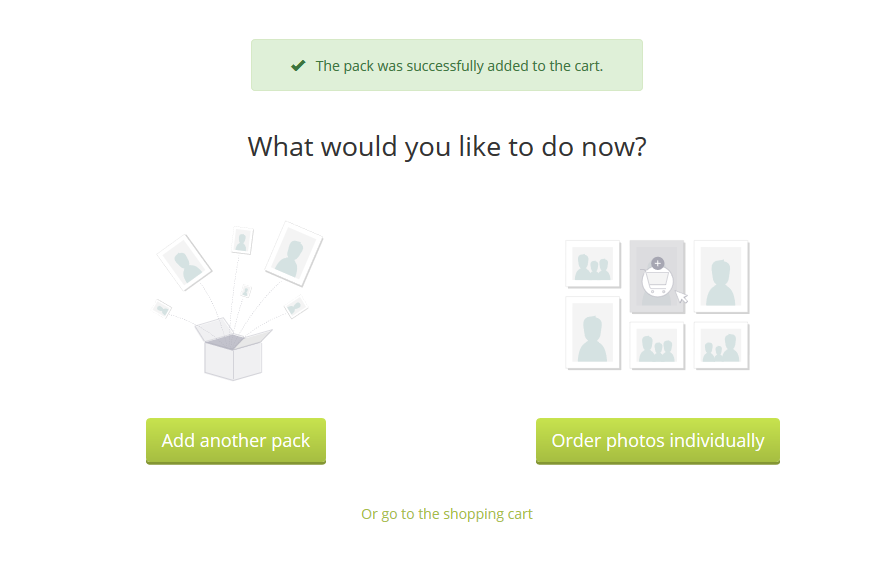
9. You will receive a little window confirming that you’ve successfully added to cart. You can then add another package, order photos individually. or proceed to the shopping cart to check out.
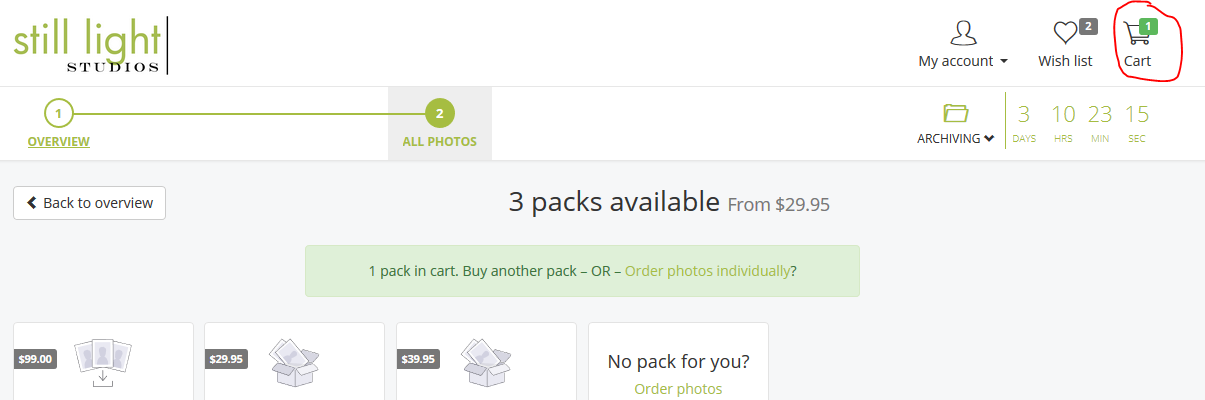
10. If you don’t check out right away, you will see that you have items in the upper right shopping cart. Just click on that cart when you want to check out.
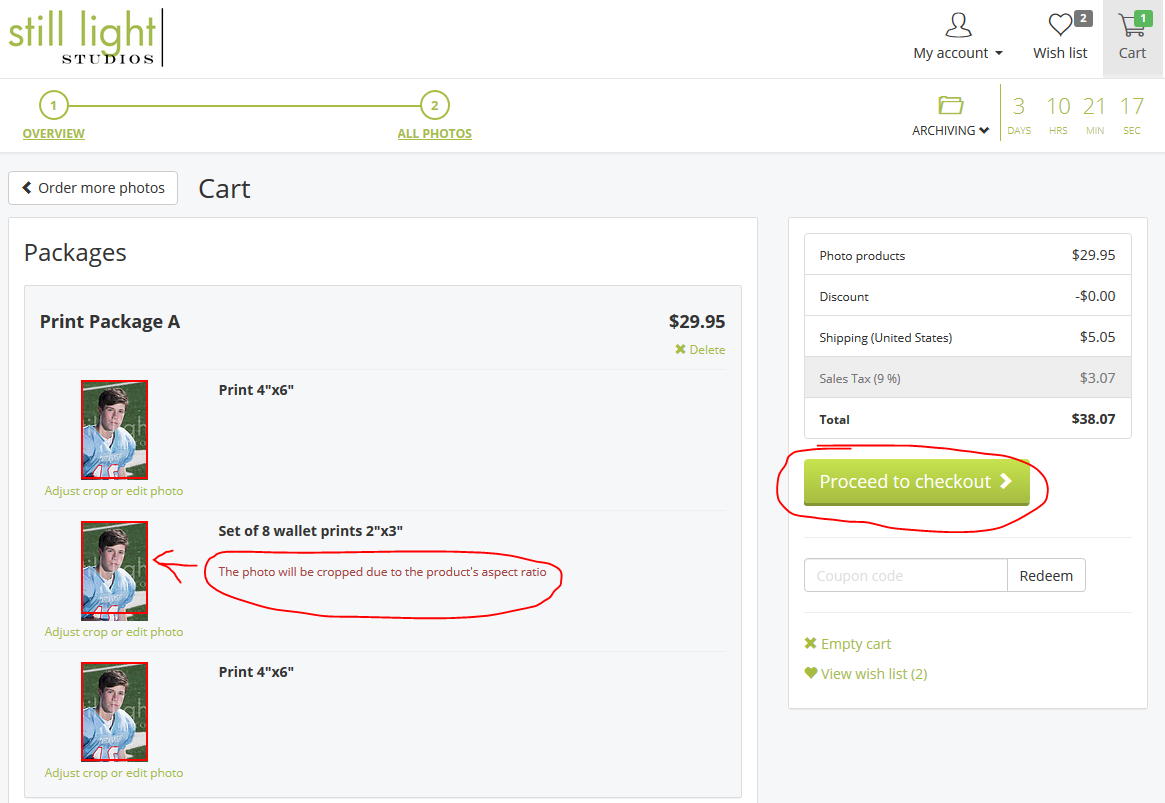
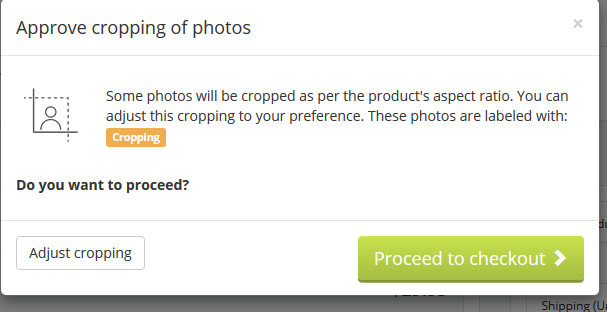
11. When you click on the shopping cart, you will receive a cart total listing. Notice that you are advised to manually crop certain sized prints. Please click on the photos that need to be cropped. Then select the “Proceed to checkout” green button. If you do not crop, you will see a warning window about the need to crop.
12. From here you will sign in or create a new customer entry and then complete the payment information to finish your order online.